iOSHA e-Reference
The CFR,
in your hand.
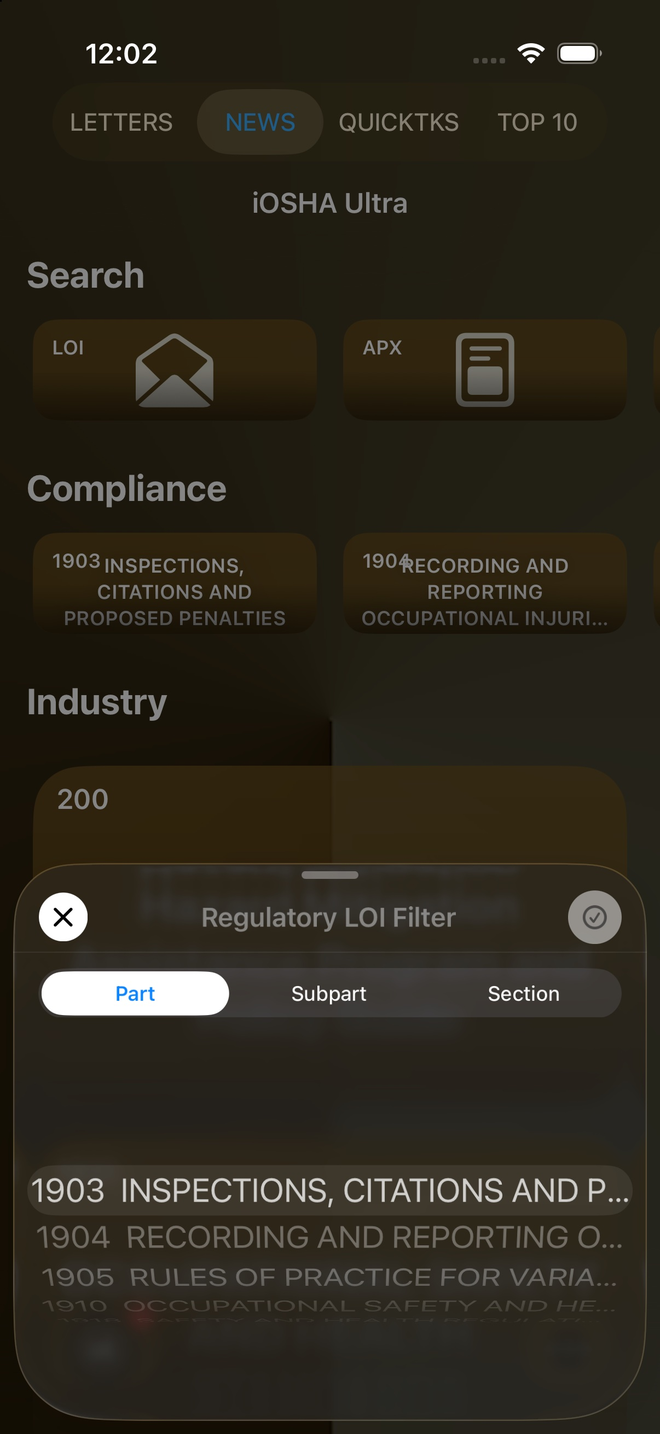
Part. Subpart. Section. Regulation. Every Letter of Interpretation and appendix — cross-linked, searchable, and ready to share.
iOSHA e-Reference
Part. Subpart. Section. Regulation. Every Letter of Interpretation and appendix — cross-linked, searchable, and ready to share.
Open Part 1910 and see its authority, source and all 40 subparts at a glance. Tap a subpart letter to go deeper — the structure of the regulation is the navigation.
See every screen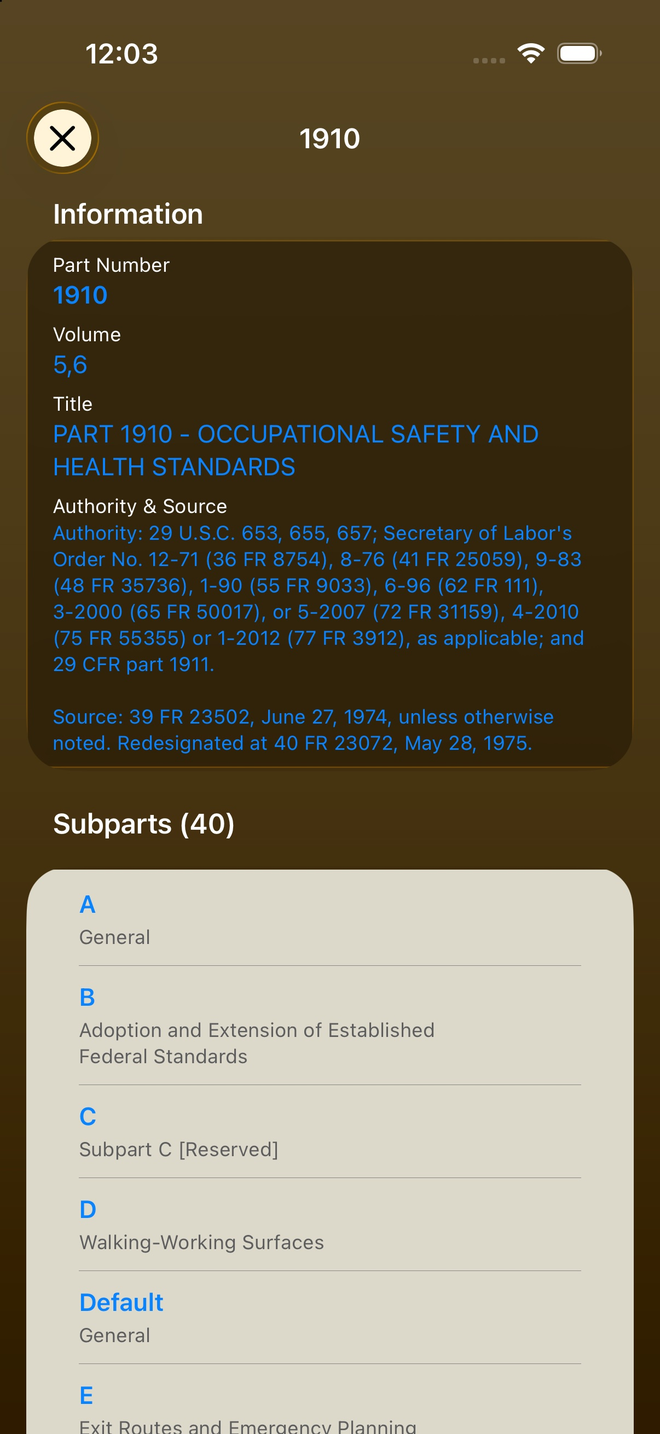
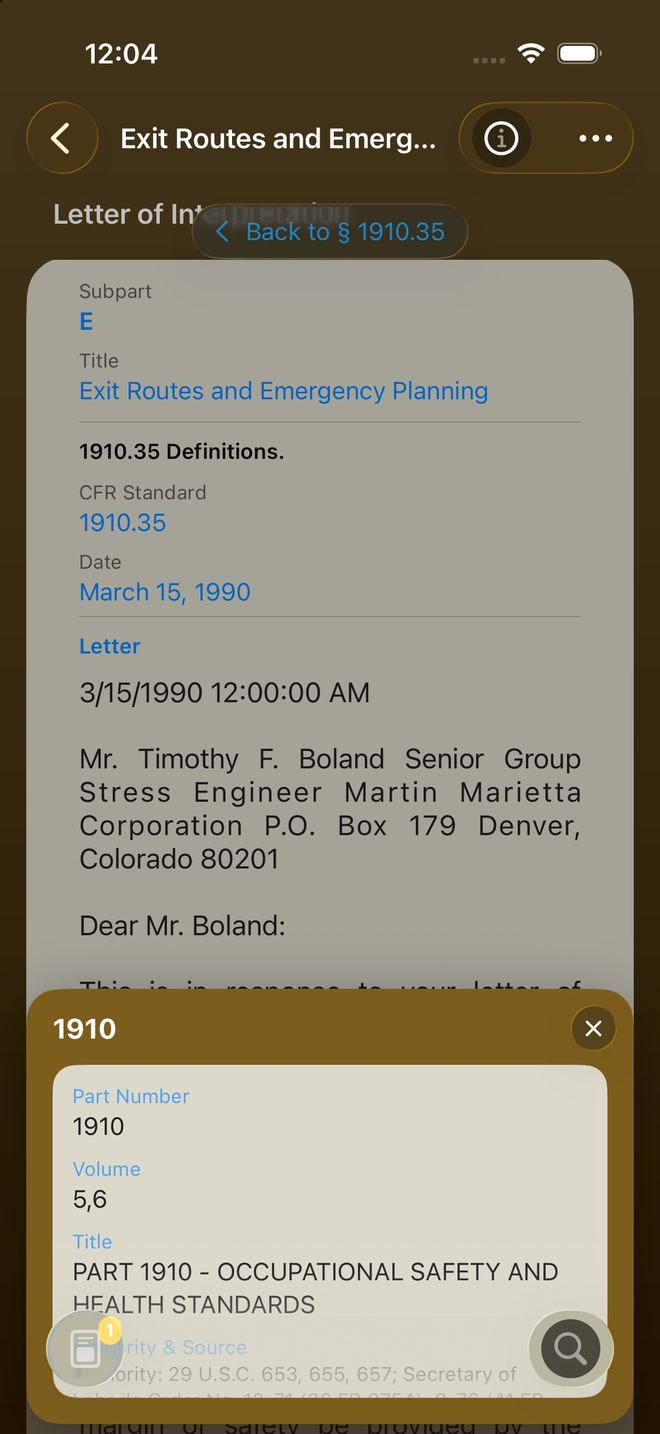
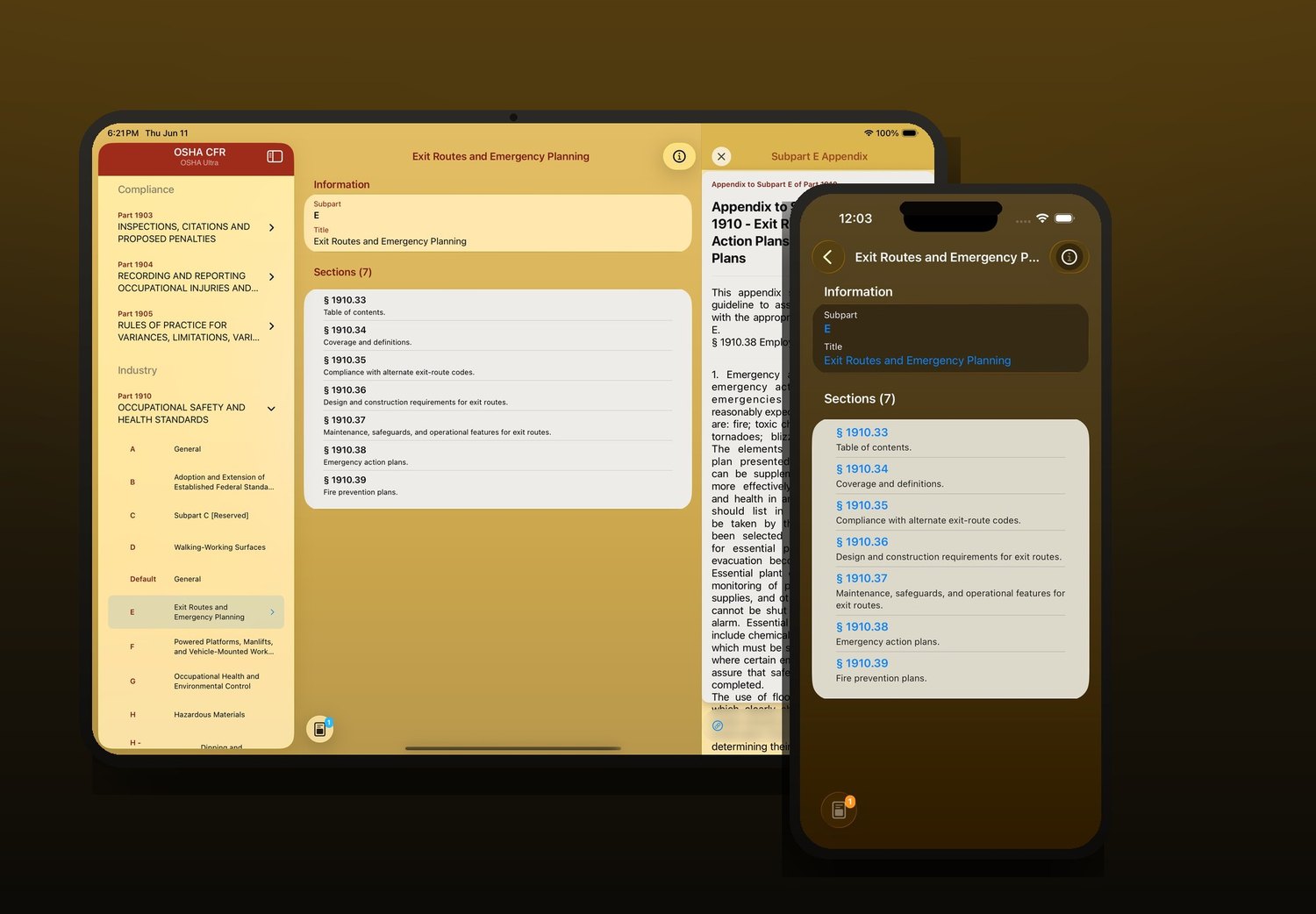
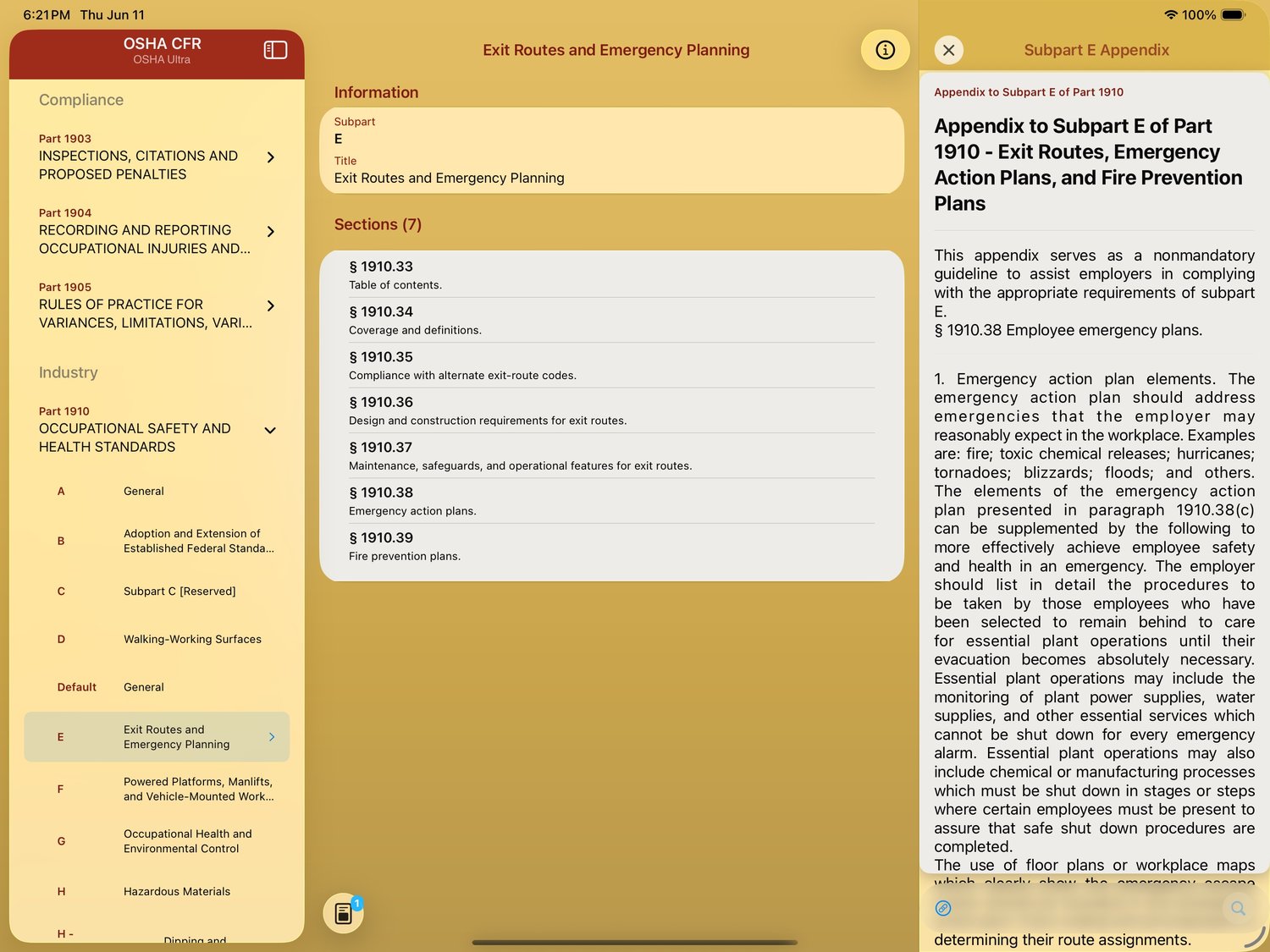
Subpart E lists its seven sections in plain language. Land on § 1910.35 and the regulation appears alongside its Letters of Interpretation — count and dates included.
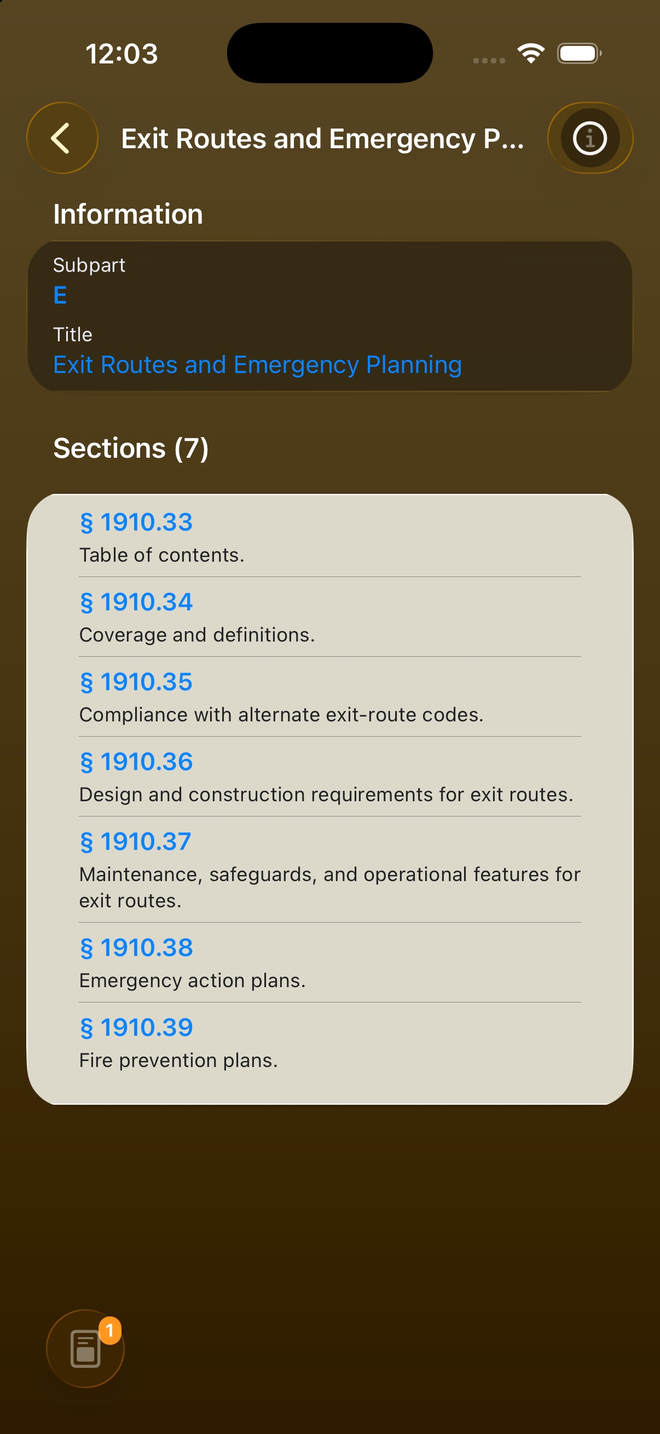
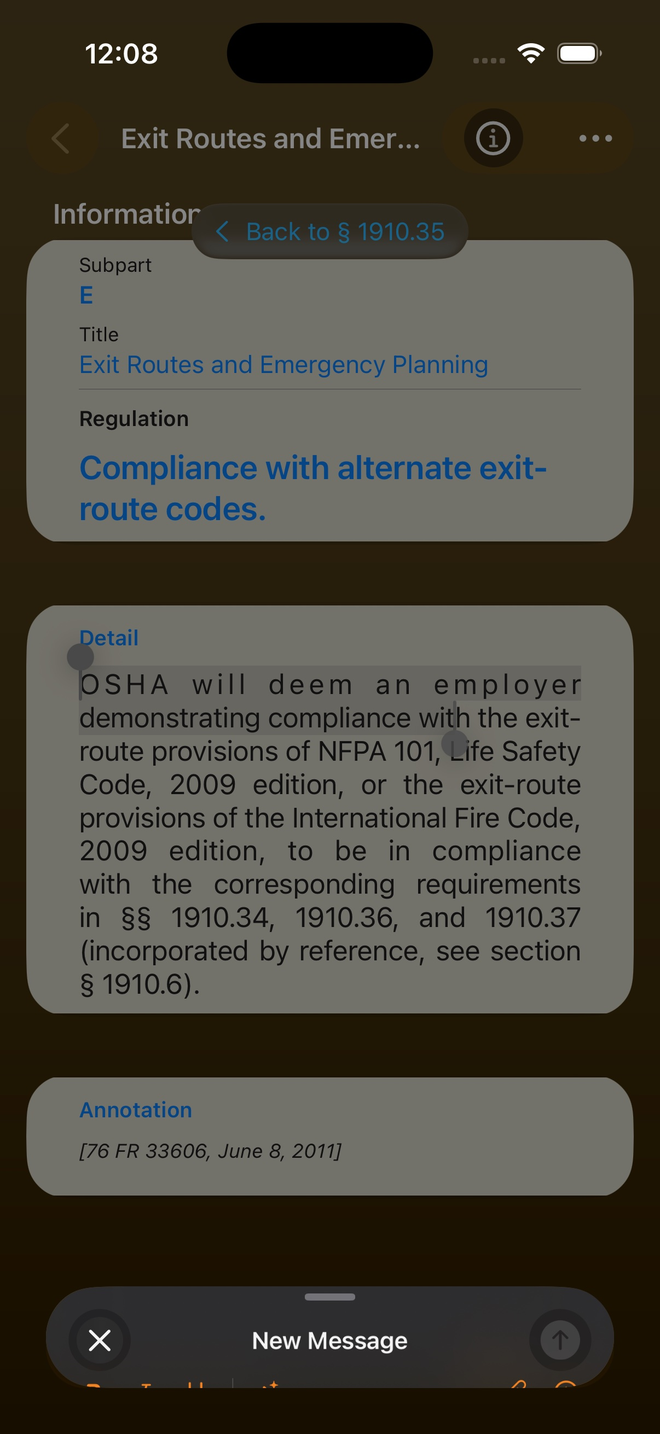
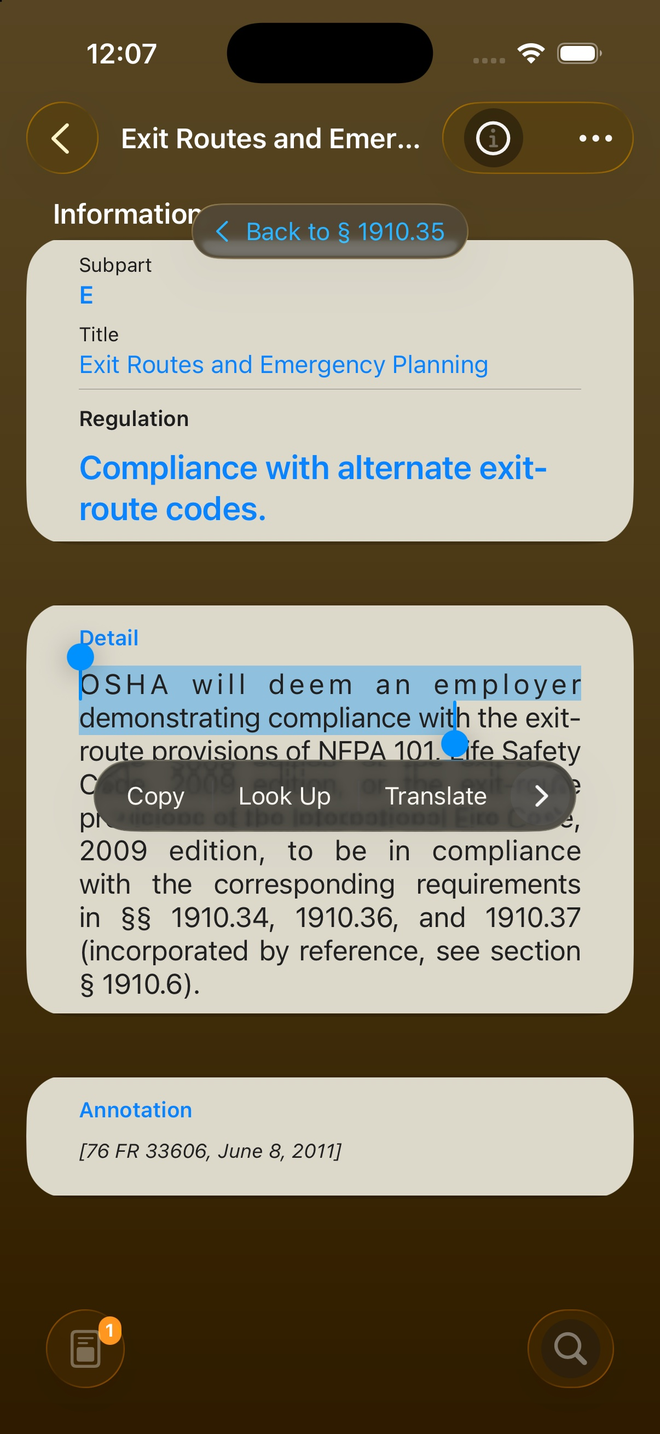
Select text to copy, look up or translate right inside a regulation, and follow the annotation to its Federal Register source. Every section links to the Letters of Interpretation that shape how it's enforced.
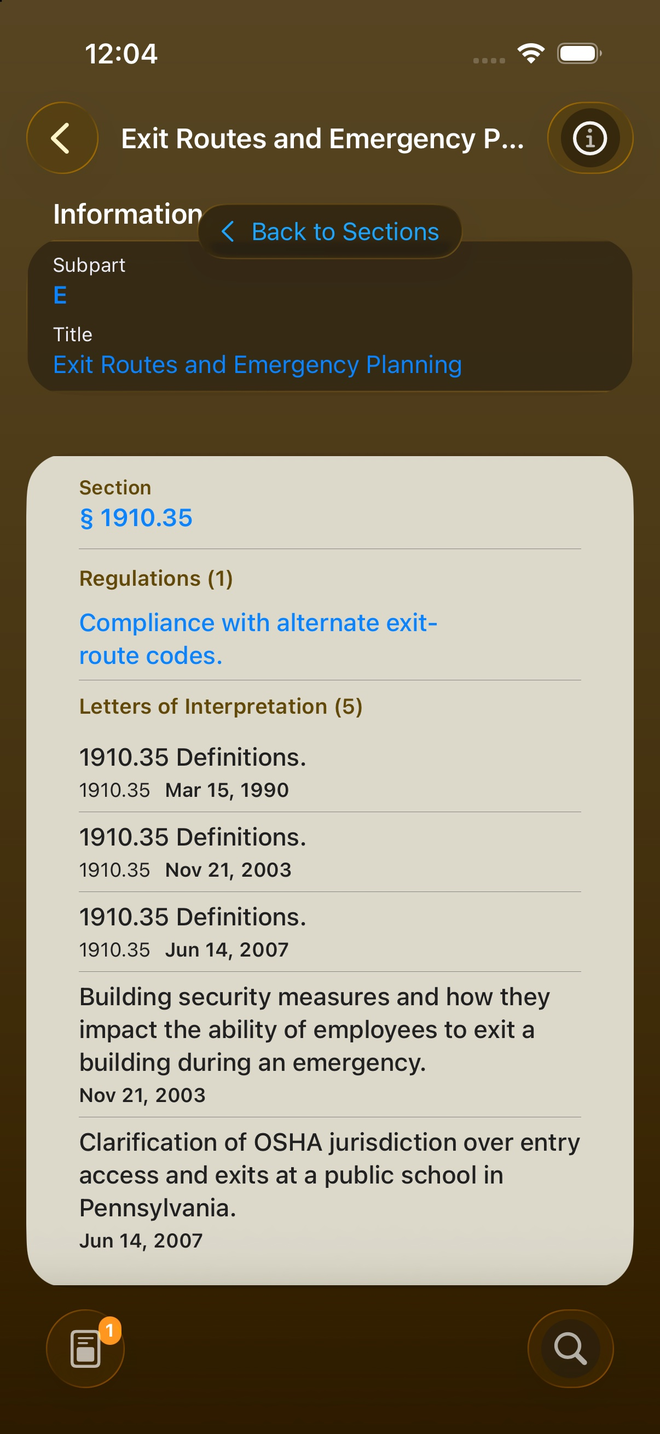
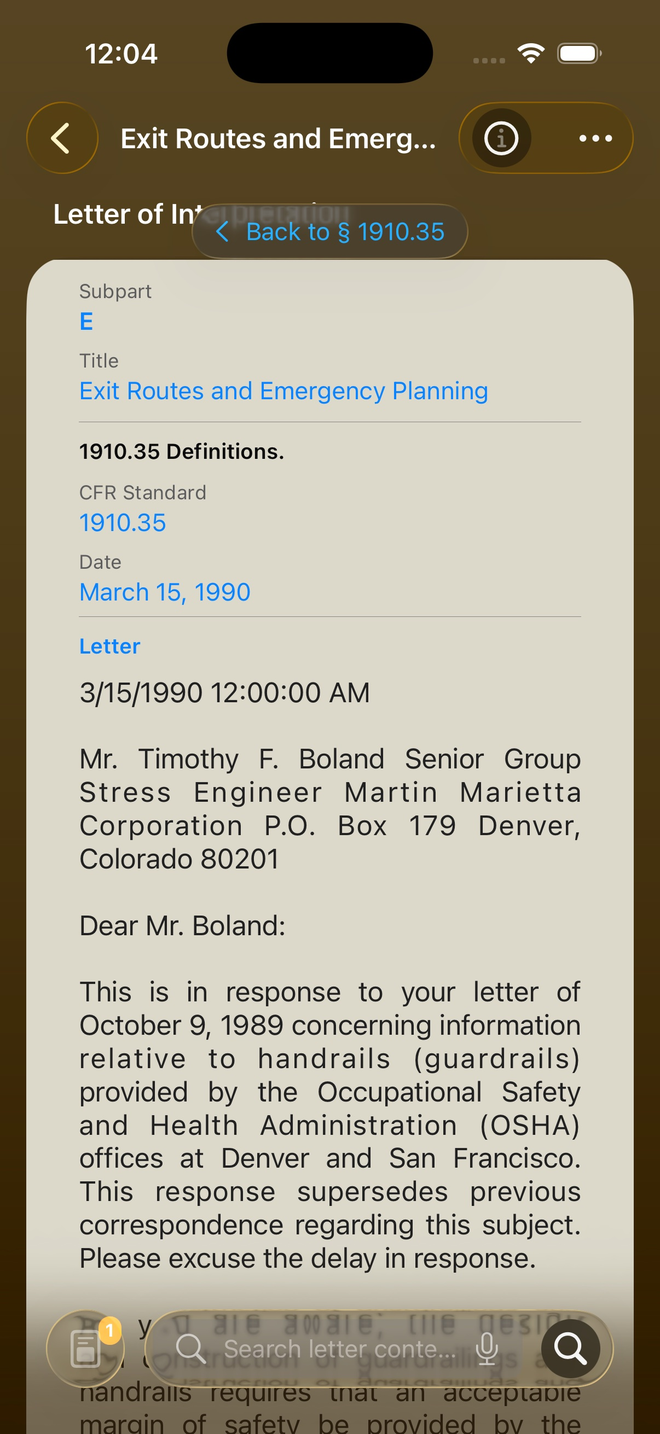
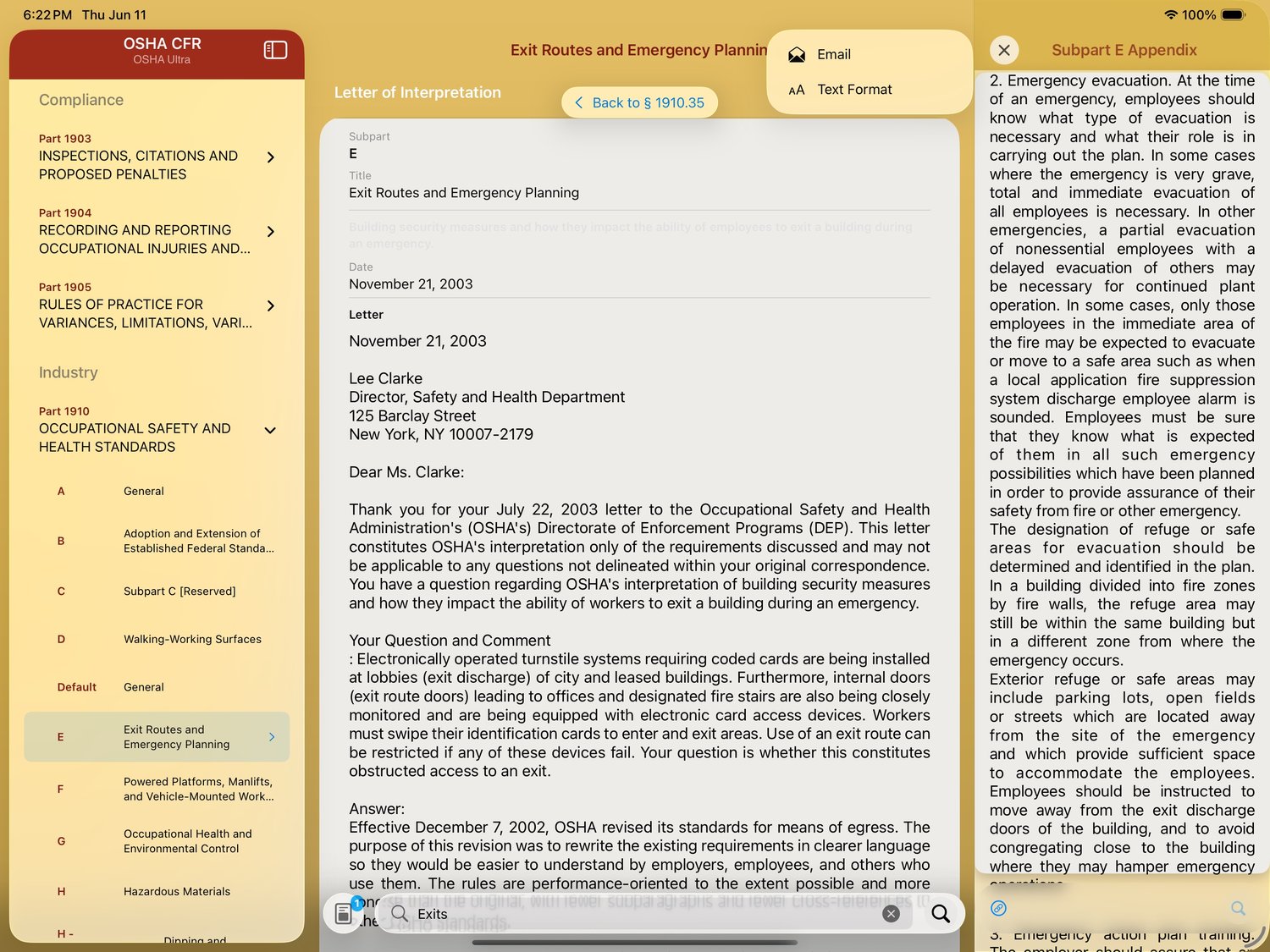
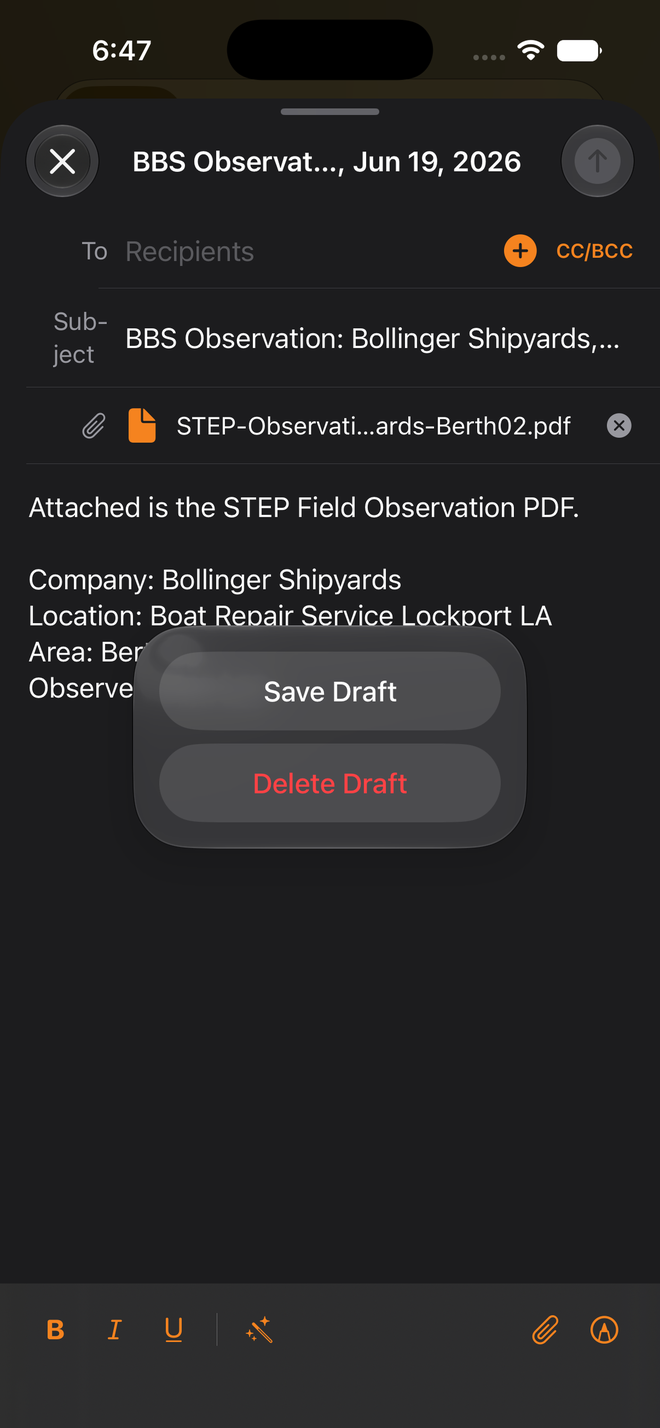
Open a full Letter of Interpretation, switch to plain text or formatted view, then email the exact passage — subject and body prefilled — straight from the section you're reading.
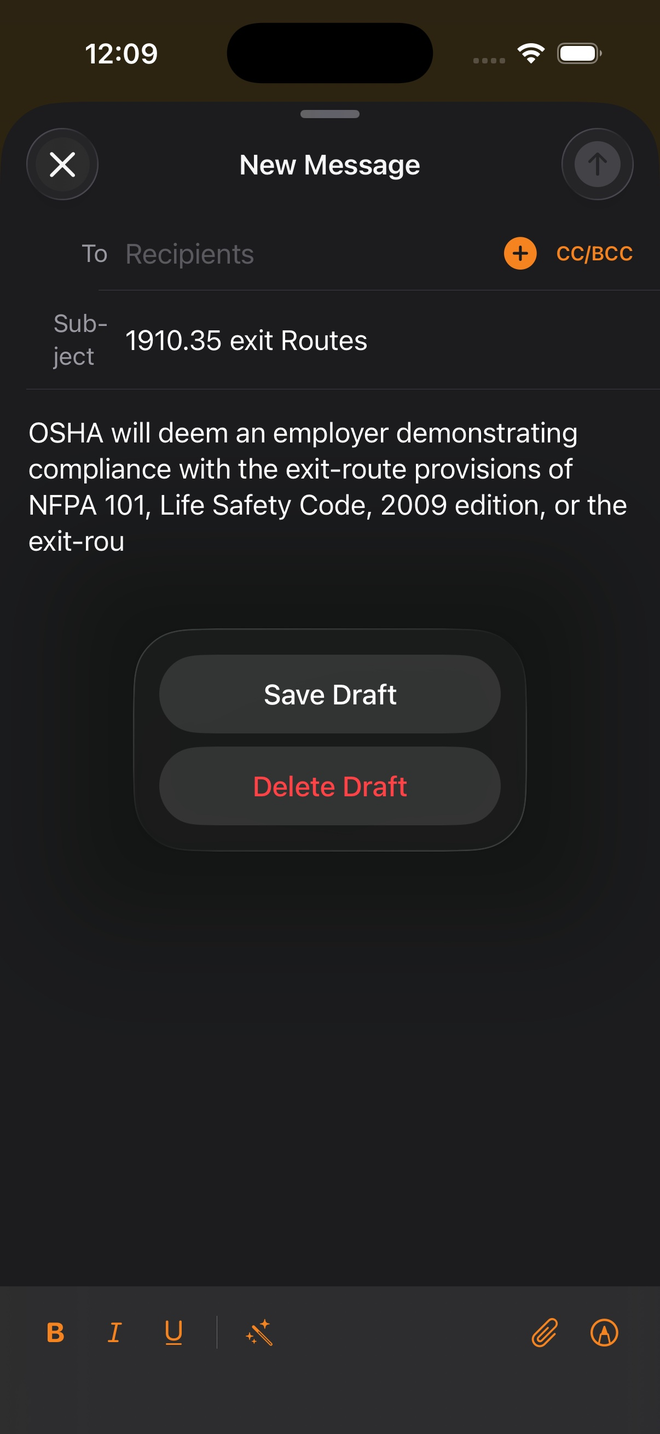
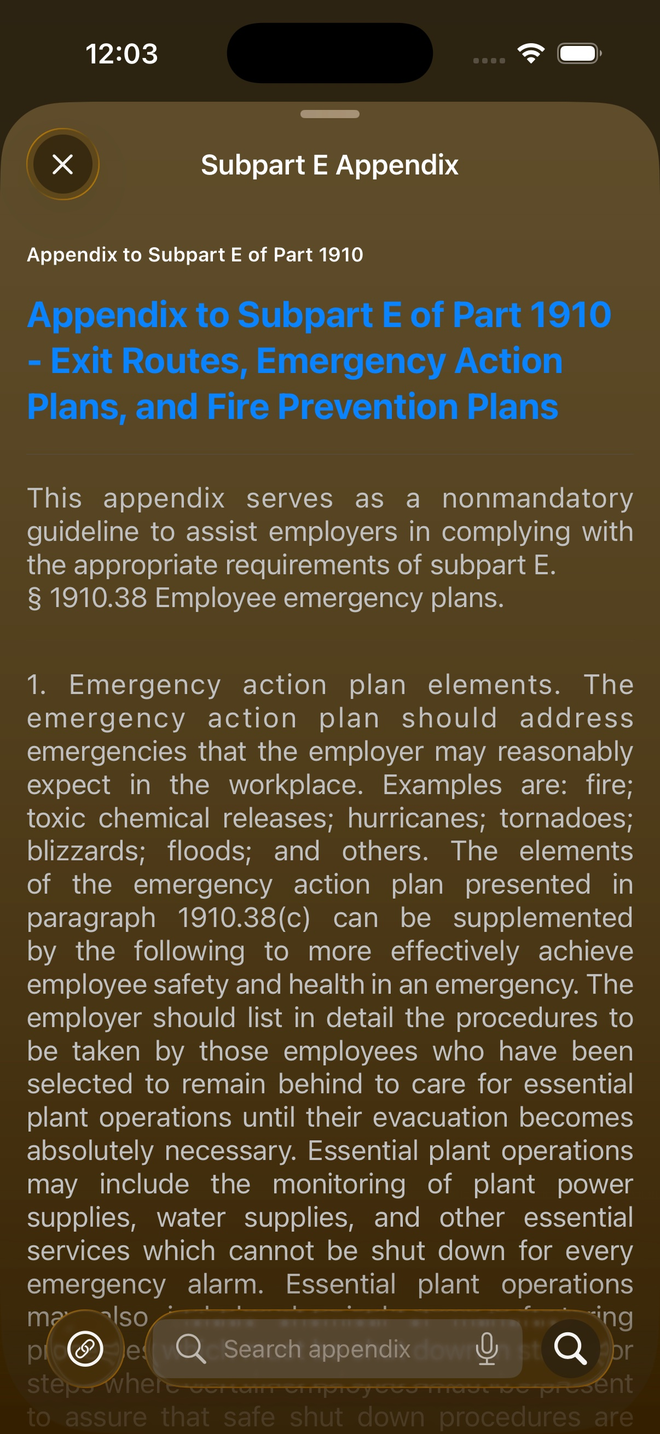
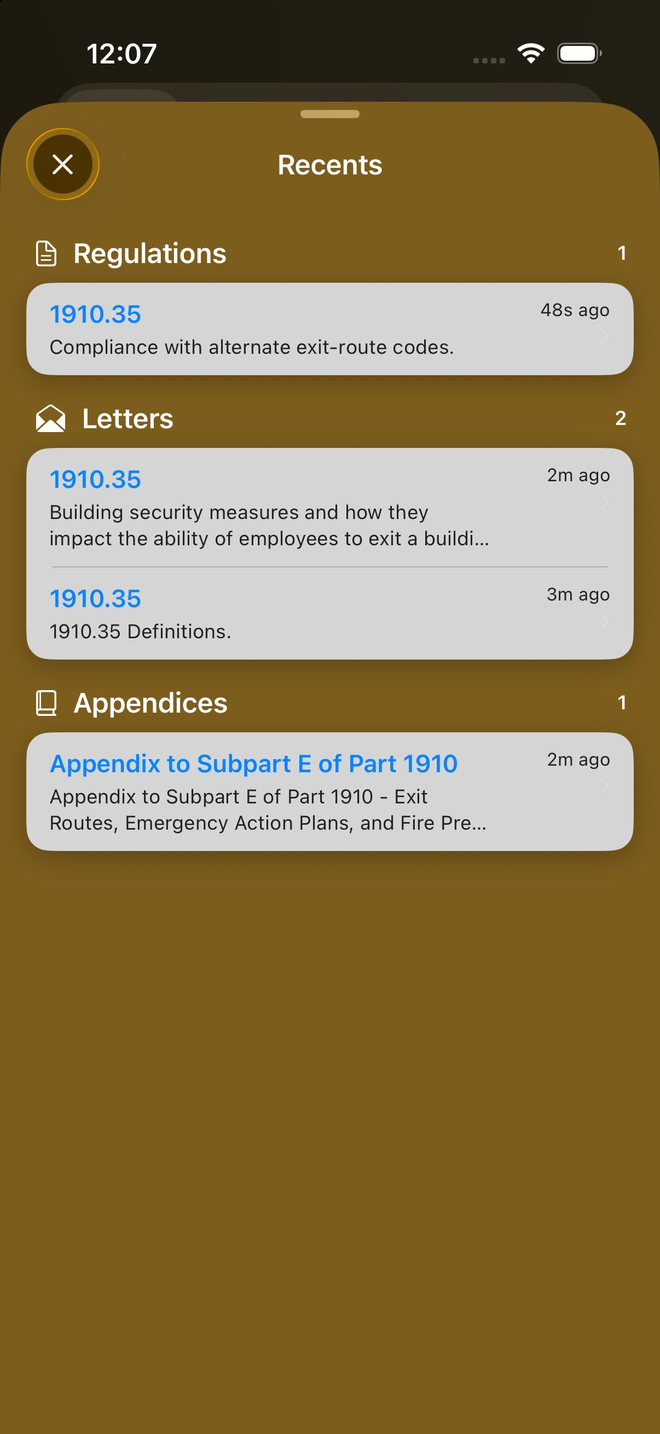
Read non-mandatory subpart appendices in a clean, searchable view, and pick up exactly where you left off — Recents tracks the regulations, letters and appendices you've opened.
On iPad
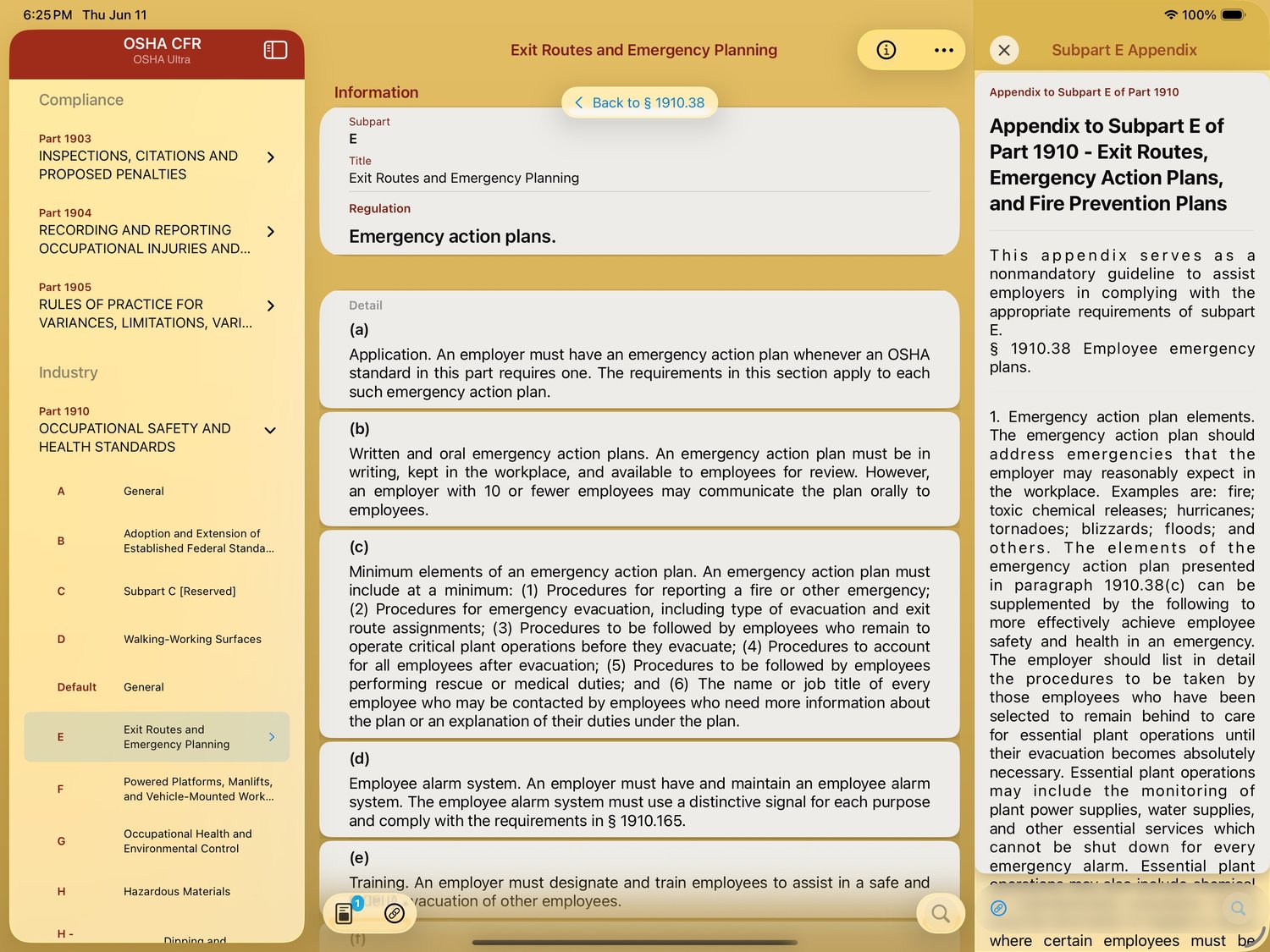
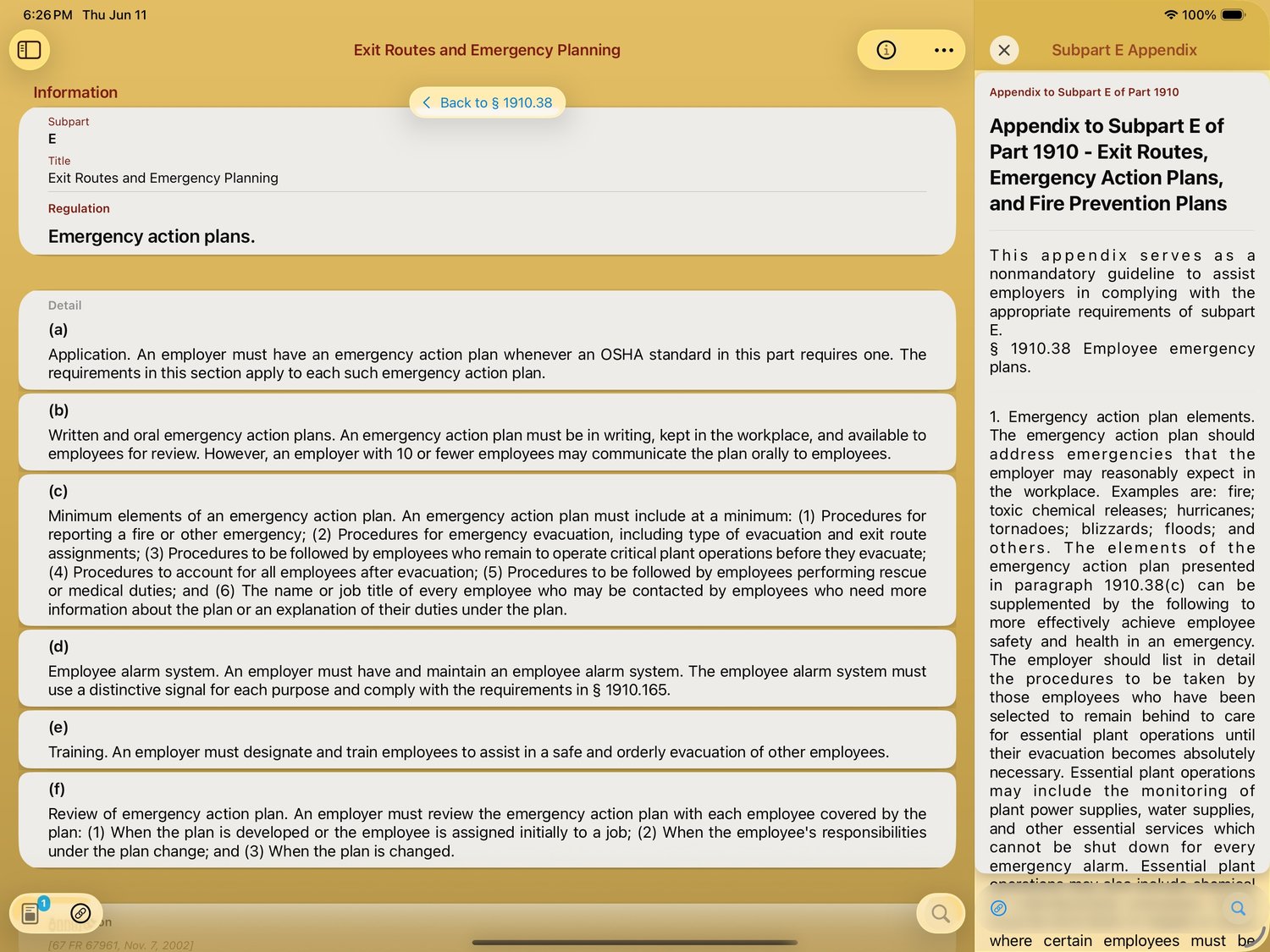
iPad turns the same library into a three-pane workspace: browse the standard on the left, read the regulation or its Letters of Interpretation in the middle, and keep the subpart appendix open alongside. Nothing is more than a glance away.
In motion
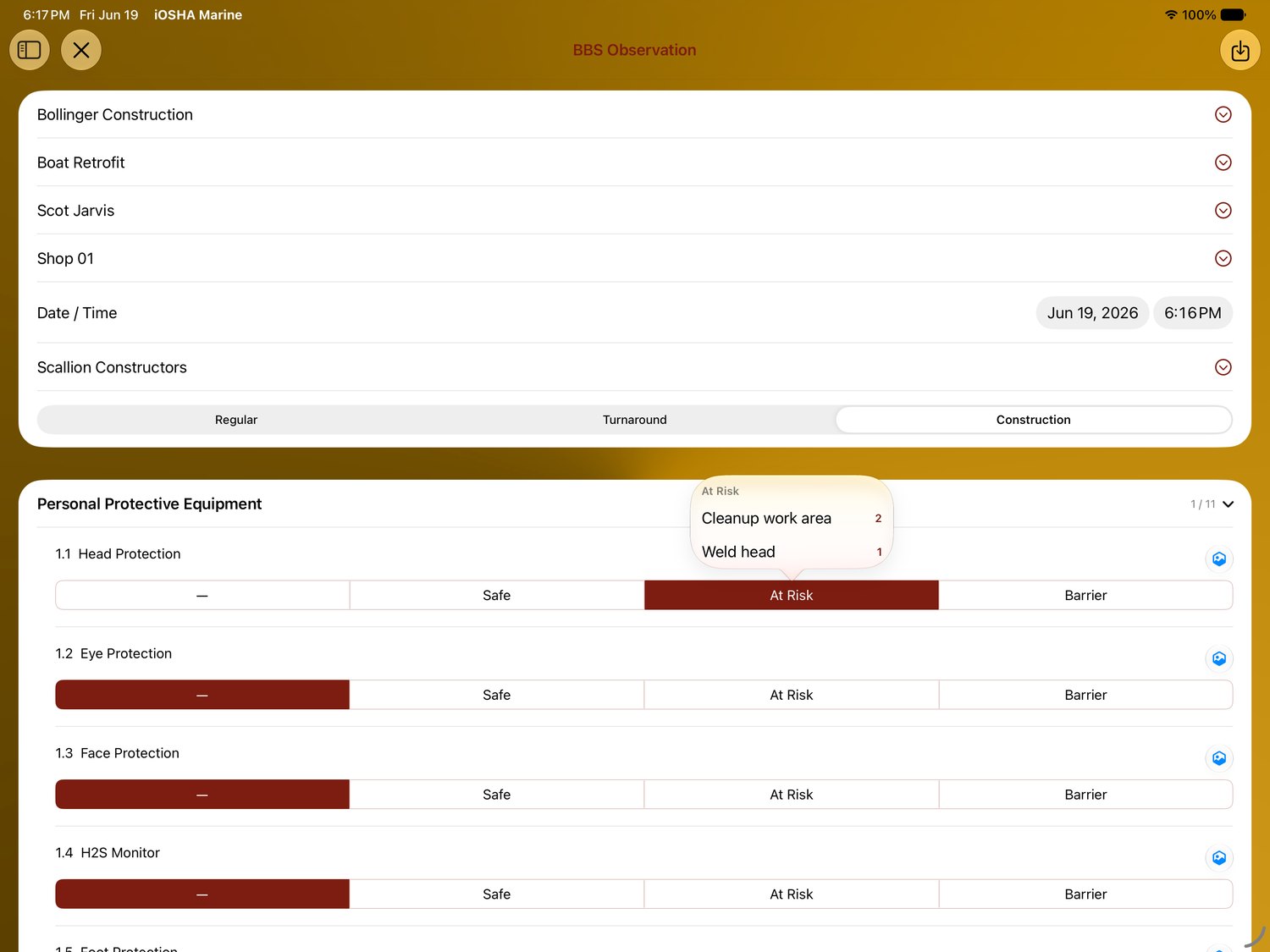
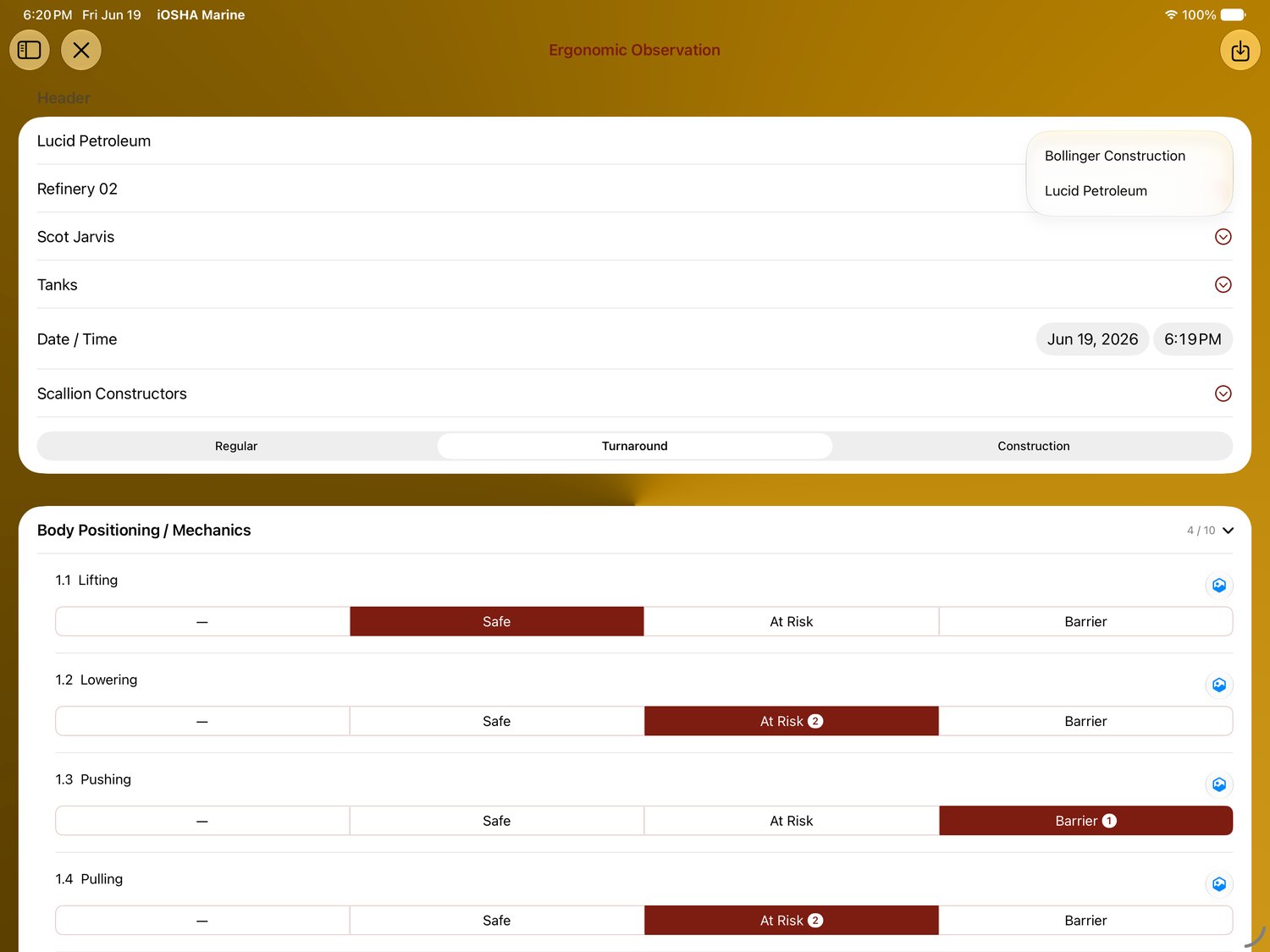
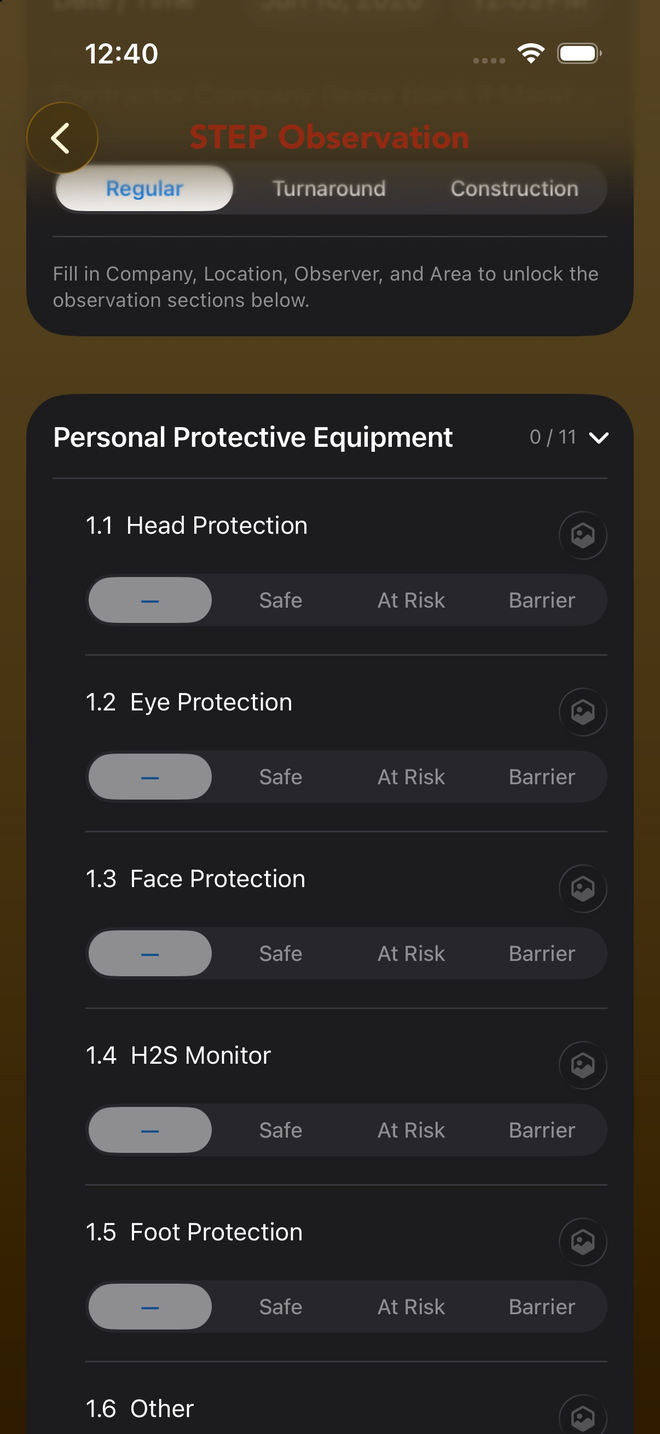
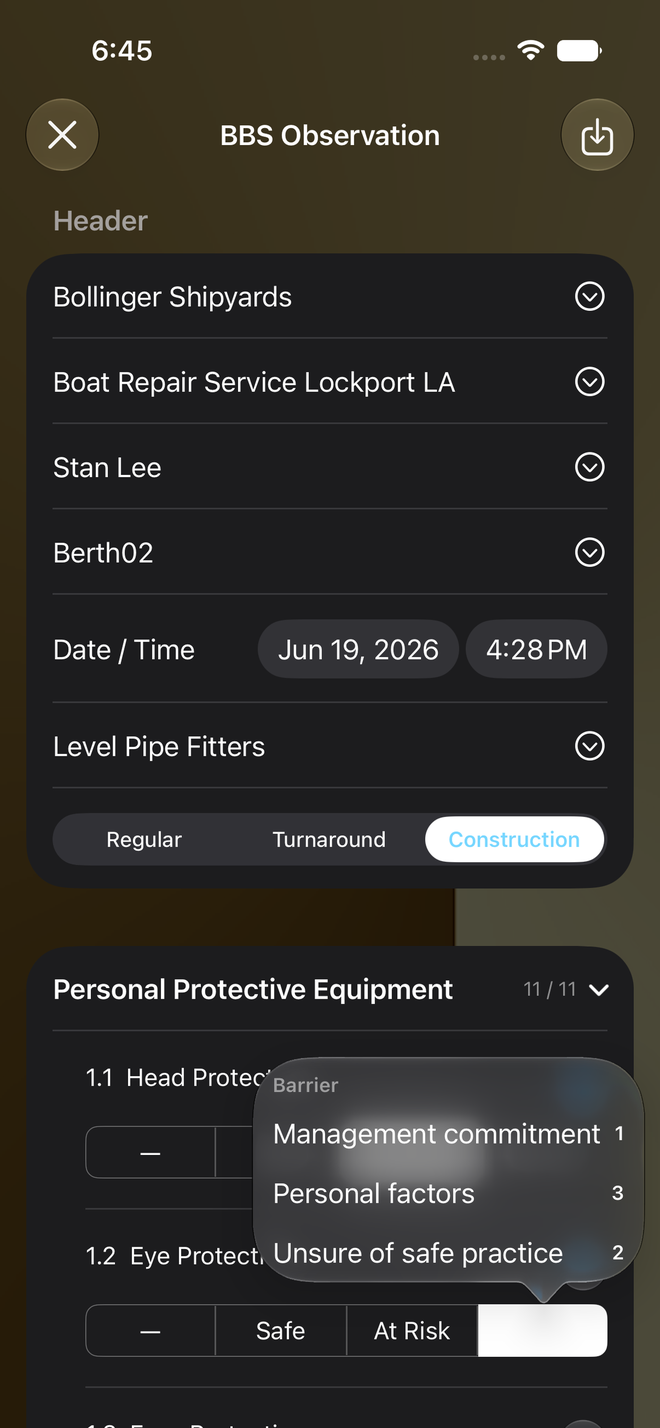
Set the company, location and crew, then mark each item Safe, At Risk or Barrier as you walk the job — full-width on iPad, in your pocket on iPhone.
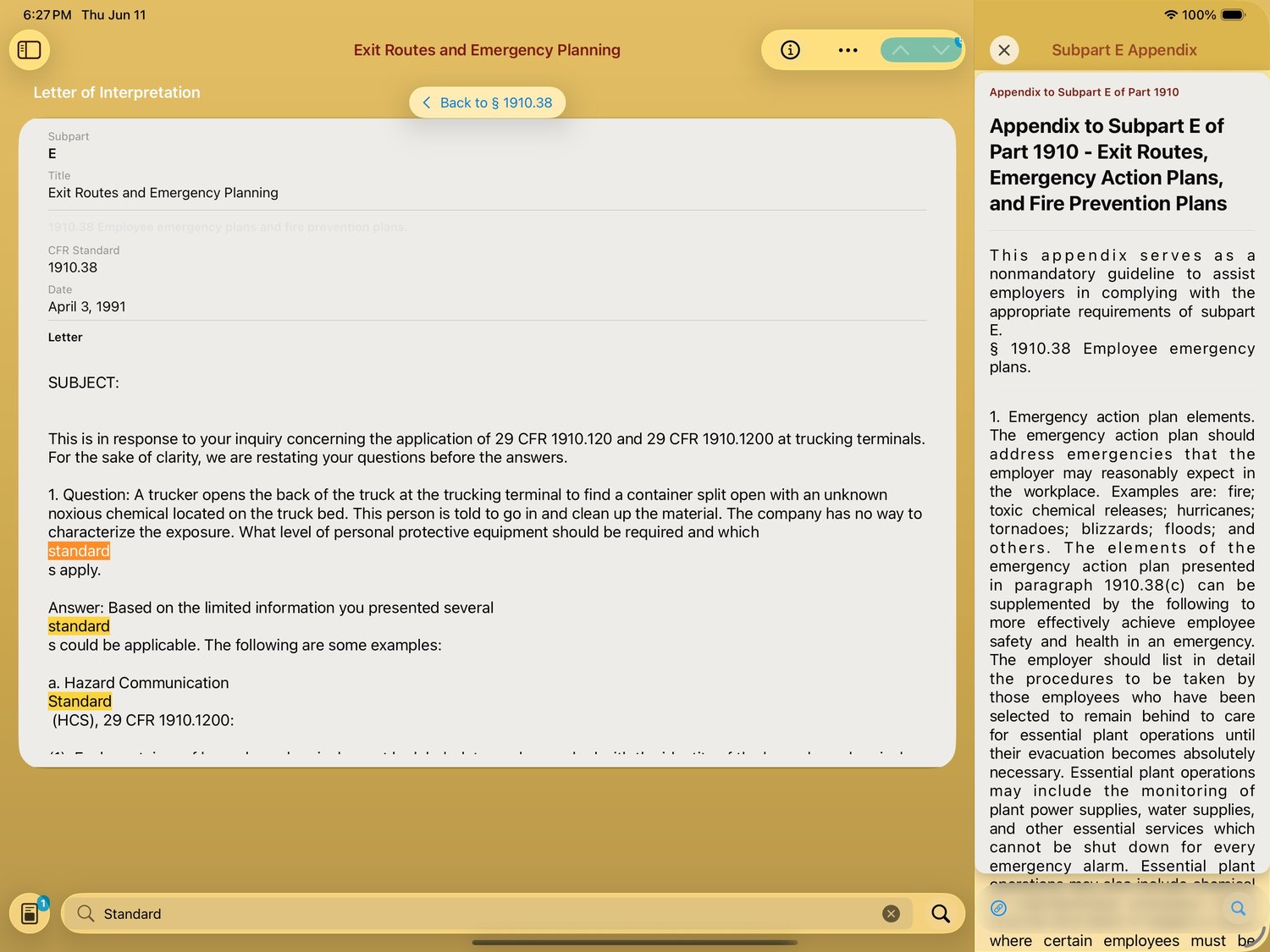
Open a full Letter of Interpretation in the center pane while the appendix stays pinned on the right — and on iPhone, the same letter travels with you. One library, two form factors, always in sync.
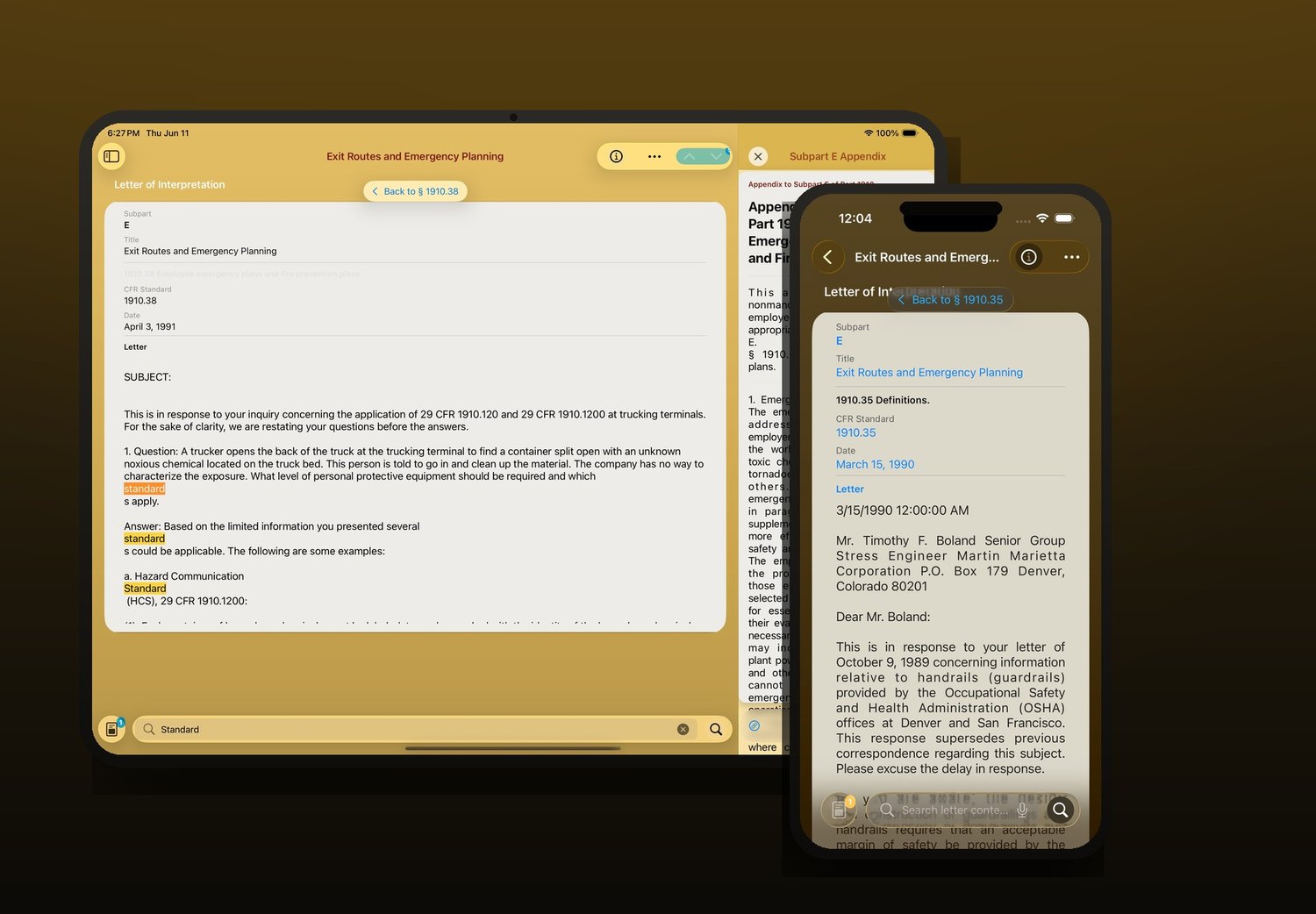
Type a term and every hit lights up across the regulation, its letters and the appendix — like searching "Standard" straight through Part 1910, with the results in context on the big screen.
Every iPad view
Every iPhone screen
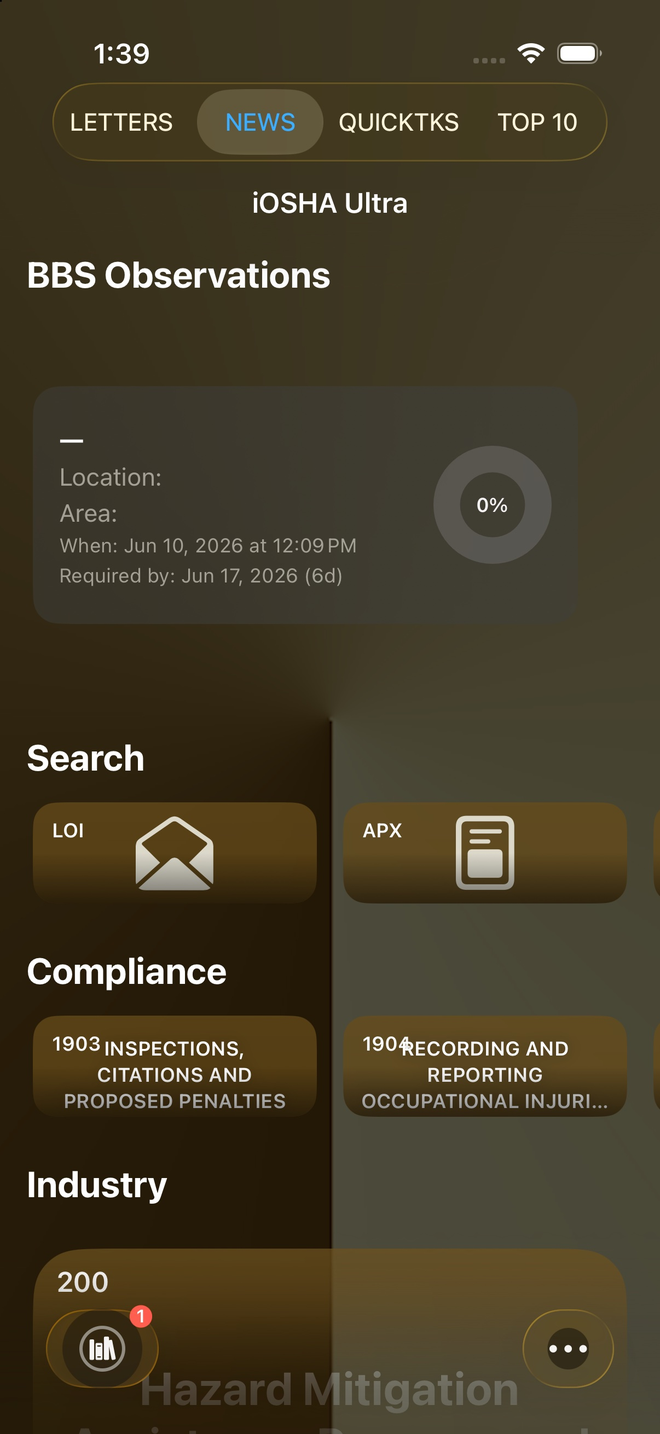
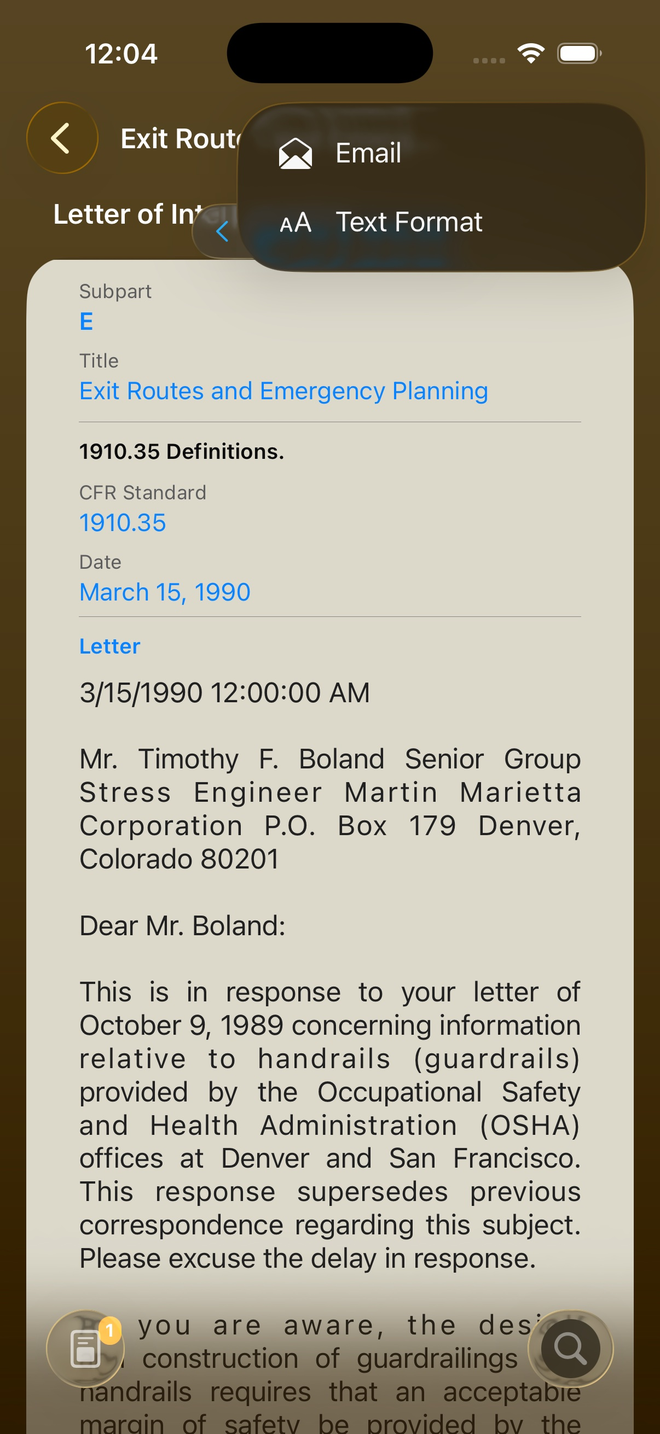
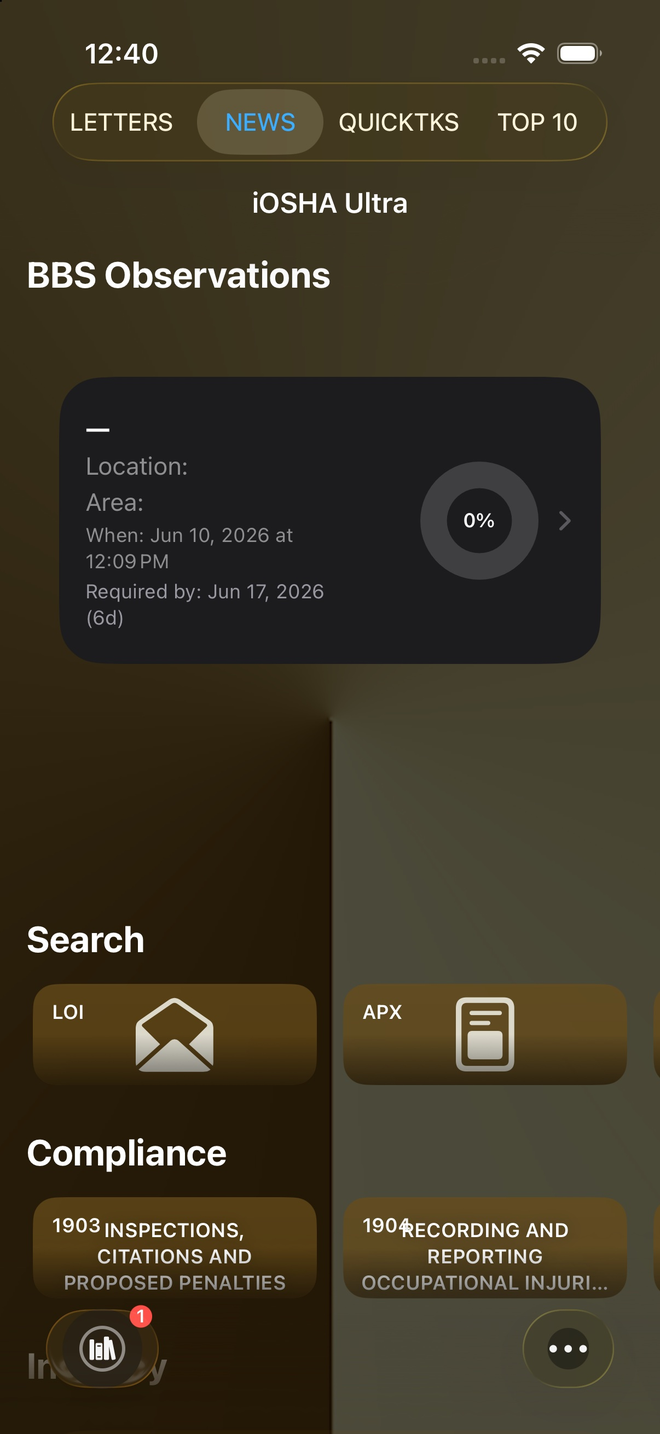
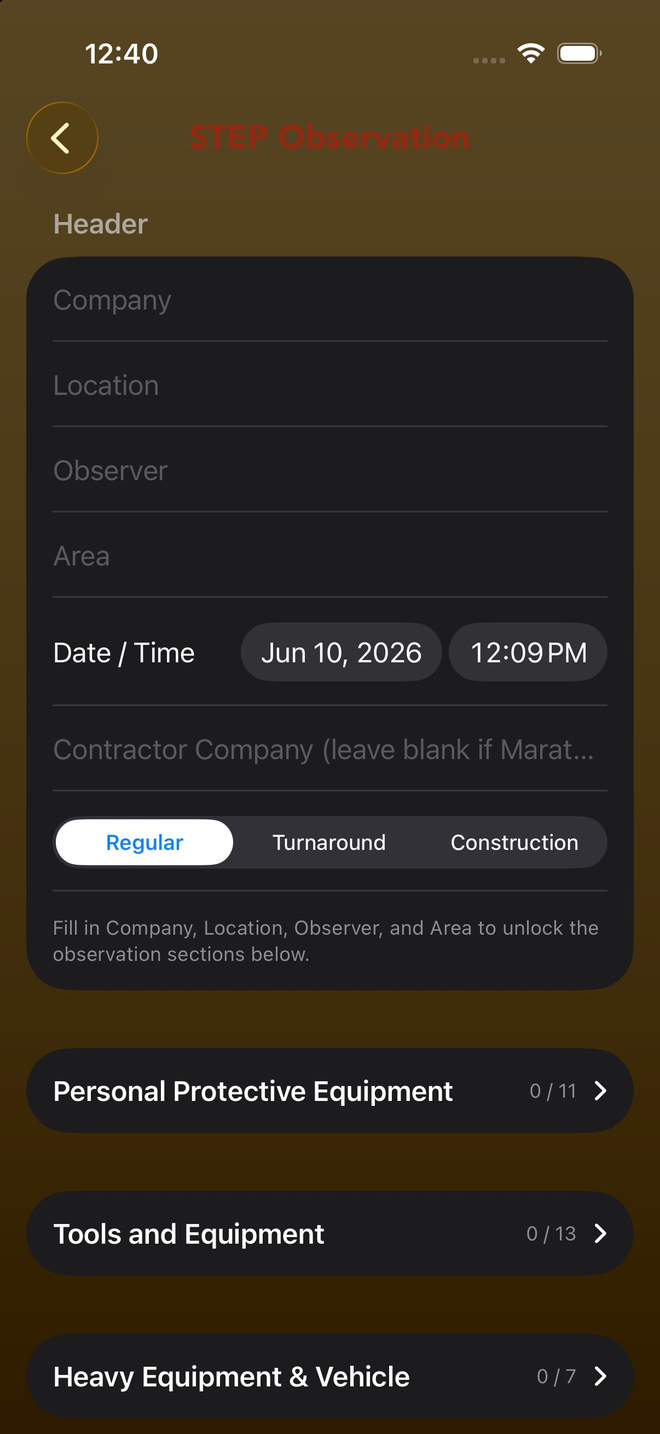
The library
Each iOSHA e-Reference packages a full standard or guide for offline, in-the-field use across BBS, CAP, PSM and HSE Pro.